Notes on Software Engineering
14 May 2026Introduction
For the past four months I have been taking a course on software engineering at the University of Hawaii at Manoa. With the course ending, I have compiled here a few of my thoughts on the various topics covered in the course. There is not really a through line that can be used to connect them, but I will provide humorous anecdotes and hopefully insightful commentary as I go so please enjoy.
Configuration Management
The basics
For those who are unaware, the basic goal of configuration management to manage consistency within and between versions, even with multiple developers working simultaneously. The common example of this you’ve probably heard of is called Git, and the associated software development platform GitHub. To visualize Git’s version management, imagine a tree. Not the real kind, the mathematical kind. Different versions of the software are stored in different branches. (Technically, it’s more of a graph since branches can have their changes pushed onto other branches, but the terminology of branches makes more sense with trees.) When a developer wants to add a new feature or fix a bug on one version, they make a “commit,” adding a new node on the end of the branch they are working on. However the complication comes when multiple developers are working on the same files at the same time. Let’s say developer A and developer B are both working on the file Page.tsx at the same time. Some configuration management softwares would make this an impossibility to avoid having to figure out which changes to save, but not Git. With Git, so long as A and B don’t try to change the same lines, when A commits, B is unaffected. But let’s say that both A and B do alter the same line? In that case, when A commits a change and B pulls it, B will be presented with a merge conflict, where they must decide which version of the line they want to keep and which version to discard. To reduce the issues this may cause, it is often advised to split off a new branch before making changes, and to update the branch from your main branch if someone else has made changes to it in the mean time. This way, if a merge conflict causes an error when resolved, you’ve not just put that error into the primary version people pull from. After any merge conflicts have been resolved and resulting errors fixed, then the changes can safely be pushed back to main… unless someone has made more changes.
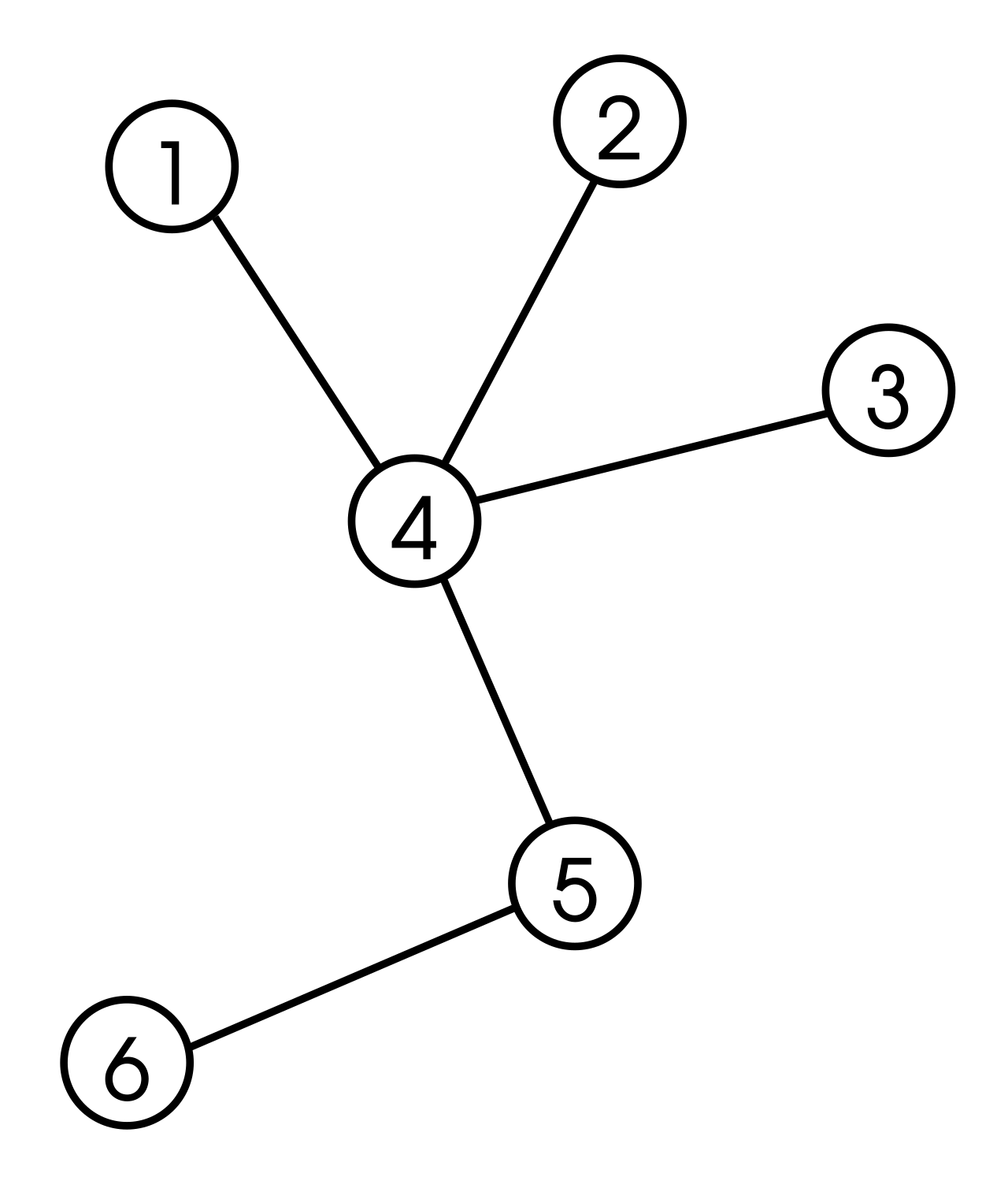
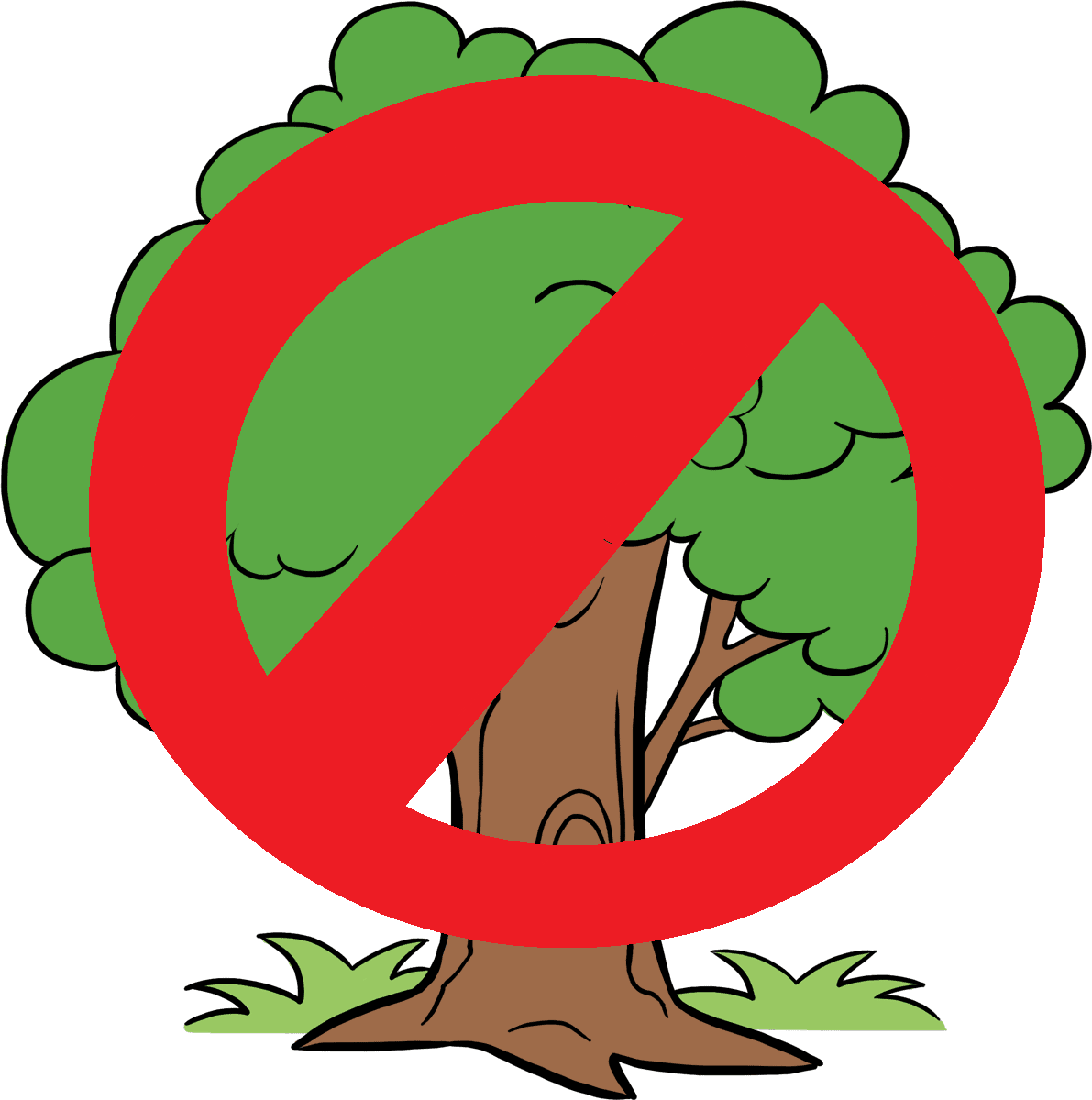
The left kind of tree, not the right.
Commit! Commit! Wait no go back!
One practical lesson I learned the hard way is that even with Git’s smart way of managing merge conflicts, sometimes your best bet is to just take a break and wait for everyone else to be done making their own changes. To set the stage, for the final month or so of my class, we were doing group work. (For anyone curious, you can find the website my group created for tracking events for the school’s community here.) I was attempting to get the page that shows events the user has saved to actually show these events. I had moved one of the helper files for displaying the cards that events show up on into a spot for generic components instead of the folder for another page. Unfortunately, between when I started working, and when I finished implementing the feature, one of my group members, Kadon, made a change to the file I had just moved in my branch, so when I pulled his updated from main, the entire file had a merge conflict. There may have been another merge conflict or two, but in the chaos of trying to fix all these bugs, the details eluded me. By the time I had fixed the conflict these merges provided (or at least I thought I had), another group member Jayden had also made a commit to main. So I tried pulling again from main, and fixing the conflict merges, when our fourth group member Ahron also said he was making a commit to main though again I could be slightly misremembering the details. At this point, I was struggling with a sea of merge conflicts, on a version I was not sure would even work. I decided then that the best thing I could do was go to sleep, and fix the issues I was working on in the morning from a fresh branch. Given that my previous solution needed only minor tweaking to fix, I figure this was the correct decision.
Agile Project Management
Issue Driven Project Management
Another concept I learned about both theoretically and in practice during the course (and specifically the group project) is Agile Project Management, more specifically the Issue Driven Project Management (IDPM for short) approach. As the name implies, these are strategies for managing projects. I must say as someone who experienced project-based learning for much of my early school life, the IDPM approach worked quite well for me, as it is similar to approaches to projects I’ve had that were vastly different. Here are some of the basic guidelines we were given to follow (source: the course website by Dr. Brook Conner, Dr. Cam Moore, and Dr. Italo Santos — I will avoid providing a link to avoid risking any copyright issues):
- Meet twice a week to manage the project
- Divide work in 72 hour tasks
- Use GitHub’s issue feature to document tasks
- Do the work for each issue in it’s own branch
- Name the branch after the issue
- Break the project down into milestones
We did not follow these guidelines religiously, but they served as effective advise for how to approach things. For example we did follow the instructions around issues, but we faced difficulty figuring out what constituted reasonably sized chunks to break the work down into to achieve these issues. Our first milestone consisted of tasks like “create the edit event page” which were often both too vague and too large. When Dr. Moore, at the end of the first milestone, gave us the advise to make smaller issues and to give more detailed descriptions of exactly what we wanted done in those steps, we took that advise to heart. While implementing it meant more busy work in the short term, it made figuring out how to approach our next steps a lot easier. As another example, due to the conflicting schedules of four full time students, with multiple of us having part time jobs, we were not able to meet nearly twice a week. However we worked around this by communicating asynchronously using text messages and Discord to coordinate what needed doing and by when.